
Discover how computer networks work, how cyber threats affect computers and businesses, and how system security protects digital information. Explore cybersecurity skills at Dazu Training Institute.

Introduction: Learn How to Protect the Digital World
Think about how much information people share and store online every day. Businesses manage customer records, hospitals keep patient information, schools maintain student databases, and individuals use mobile phones to access banking and social media services.
Behind these activities are computer networks and information systems that must operate reliably and securely.
But what happens when an unauthorized person gains access to a computer, a business network is attacked, or important files become unavailable? These situations show why cybersecurity has become an important part of modern technology.
Computer networking and system security are closely connected. Networking helps computers and other devices communicate, while system security focuses on protecting devices, networks, applications, and information from unauthorized access and other threats.
For young people interested in computers, problem-solving, and technology, learning these subjects can be a valuable starting point towards understanding cybersecurity.
At Dazu Training Institute, you can enquire about available technology training opportunities and explore how to develop practical skills for your future.
1. What Are Computer Networks?
A computer network is a group of connected devices that communicate and share information or resources.
These devices can include computers, smartphones, printers, servers, routers, and other network-enabled equipment.
For example, when several computers in an office share an internet connection or access files from a central server, they are using a computer network.
Networks make it possible to communicate, collaborate, share resources, and access online services.
Common types of computer networks
Local Area Network (LAN)
A LAN connects devices within a limited area, such as a home, office, computer laboratory, or school.
For example, a computer lab may use a LAN to connect multiple computers to shared resources.
Wide Area Network (WAN)
A WAN connects networks over larger geographical areas. Organizations with offices in different towns or countries may use WAN technologies to communicate and exchange information.
The internet is the most widely known example of a global network of interconnected networks.
Wireless Local Area Network (WLAN)
A WLAN connects devices using wireless communication technologies, commonly Wi-Fi, rather than requiring a separate physical network cable for every device.
Personal Area Network (PAN)
A PAN connects personal devices over a short distance. An example is a phone communicating with wireless headphones through Bluetooth.
Understanding these network types helps learners see how devices communicate in different environments.
2. Important Components of a Computer Network
A network relies on different hardware and software components working together.
Routers
A router forwards data between networks. In a home or office, it commonly connects the local network to the internet.
Switches
A network switch connects devices within a local network and forwards data to the appropriate destination.
Servers
Servers provide resources or services to other devices. They may store files, host websites, manage user accounts, or run business applications.
Network cables and wireless access points
Ethernet cables provide wired network connections, while wireless access points allow compatible devices to connect through Wi-Fi.
Network protocols
Protocols define the rules devices follow when communicating. Examples include TCP/IP, HTTP, HTTPS, and DNS.
Learning how these components work together helps you understand how information moves between devices and where security controls may be needed.
3. What Is System Security?
System security involves protecting computers, servers, applications, and their information against unauthorized access, misuse, disruption, or damage.
It includes both technical safeguards and responsible practices.
For example, a business might protect its systems using strong passwords, multi-factor authentication, access permissions, software updates, antivirus tools, firewalls, and regular backups.
The aim is not simply to prevent hackers from accessing a computer. It is also to ensure that information remains private, accurate, and available when authorized users need it.
The three main principles of information security
Confidentiality: Information should only be accessible to people or systems that have permission to view it.
Integrity: Information should remain accurate and should not be changed improperly.
Availability: Systems and information should be accessible to authorized users when required.
These principles are often referred to as the CIA triad. They provide a useful foundation for understanding cybersecurity.
For example, if an unauthorized person reads private customer records, confidentiality has been compromised. If someone secretly changes financial records, integrity is affected. If an attack makes a company's system unavailable, availability becomes the concern.
4. What Is Cybersecurity, and Why Does It Matter?
Cybersecurity is the practice of protecting digital systems, networks, applications, and information against cyber threats.
As more businesses and individuals depend on digital services, protecting information has become increasingly important.
Common cybersecurity threats include:
Phishing: Fraudulent messages or websites designed to trick people into revealing sensitive information or performing unsafe actions.
Malware: Malicious software intended to disrupt systems, steal information, or perform unauthorized activities.
Ransomware: Malware that can encrypt files or otherwise prevent access while demanding payment.
Unauthorized access: Accessing systems, accounts, or information without permission.
Social engineering: Manipulating people into revealing information or taking actions that compromise security.
Denial-of-service attacks: Attempts to overwhelm a service so legitimate users cannot access it.
Cybersecurity involves reducing the likelihood and impact of these threats through prevention, monitoring, detection, response, and recovery.
For Kenyan businesses, this can mean protecting customer information, securing online transactions, safeguarding business records, and reducing interruptions to daily operations.
5. How Computer Networks and System Security Work Together
Networking and cybersecurity are not separate worlds. A network provides the communication pathways that devices use, while security measures help control and protect those communications.
Consider a small business with several computers, a shared printer, a Wi-Fi connection, and a server containing business records.
Without appropriate controls, an infected device or compromised account could create risks for other systems on the network.
The business can reduce these risks through measures such as:
Configuring its router and firewall properly.
Using strong authentication for administrative accounts.
Separating guest Wi-Fi from sensitive business systems where appropriate.
Applying security updates to computers and network equipment.
Restricting access to confidential files.
Monitoring important systems for suspicious activity.
Maintaining backups that can be used for recovery.
These measures work together. A firewall alone cannot solve every security problem, and antivirus software cannot replace good access controls or regular backups.
Effective protection requires a layered approach.
6. Essential Tools Used in Networking and Cybersecurity
People learning cybersecurity gradually become familiar with tools that help them understand networks, inspect system behaviour, and identify security problems.
The appropriate tool depends on the task, the operating system, and the learner's level of experience.
Cisco Packet Tracer
Packet Tracer is a network simulation tool that allows learners to create virtual network topologies and practise networking concepts without needing a physical lab for every exercise.
It can help beginners understand routers, switches, addressing, and communication between devices.
Wireshark
Wireshark is a network protocol analyzer that allows users to capture and inspect network traffic.
It can be used in authorized lab environments to study how protocols work, investigate connectivity problems, and understand communication patterns.
Learners should only capture or inspect traffic they own or have explicit permission to analyze.
Nmap
Nmap is a network discovery and security auditing tool. It can help administrators identify devices and services on networks they are authorized to assess.
Its use should remain within approved systems and clearly defined testing environments.
Firewalls
Firewalls apply rules that control network traffic. They can help restrict unwanted connections and reduce exposure to unauthorized access.
Endpoint security tools
Endpoint security tools help protect devices such as laptops, desktops, and servers. Depending on the product, they may provide malware detection, suspicious activity monitoring, and other protective features.
Learning what these tools do is only one part of cybersecurity. Equally important is understanding the networks, protocols, systems, and security principles behind them.
7. Practical Ways Beginners Can Improve System Security
You do not need to manage a large company's network to begin learning good security practices. Many important lessons can be applied to a personal computer, a home network, or a supervised training environment.
Use strong, unique passwords
Avoid reusing the same password across different accounts. A password manager can help you manage unique passwords securely.
Enable multi-factor authentication
Where available, multi-factor authentication adds another verification step beyond a password.
Keep software updated
Operating system, application, and router updates may include fixes for security vulnerabilities. Apply updates from trusted sources.
Secure your Wi-Fi network
Use the security settings supported by your router, set a strong administrator password, and review connected devices. Avoid leaving administrative access exposed unnecessarily.
Back up important information
Keep backups of important files and test whether you can restore them. A backup that cannot be recovered may not help when you need it.
Learn to recognize suspicious messages
Be cautious of unexpected requests for passwords, payment, verification codes, or urgent account actions. Check the sender and destination carefully before responding.
Restrict access to sensitive information
Give users only the access they need to perform their responsibilities. This principle is known as least privilege.
These habits reduce common risks and create a strong foundation for more advanced security learning.
8. A Beginner-Friendly Practical Project: Build and Secure a Small Network
One way to understand networking and cybersecurity is to combine theory with a simple practical project.
Imagine you want to design a small network for a training room with several computers and an internet connection.
You can begin by creating a diagram of the network and identifying the devices it needs.
Your project could include the following activities:
Draw a network diagram showing computers, a switch, a router, and an internet connection.
Use Cisco Packet Tracer or another suitable lab environment to build a simulated network.
Assign appropriate IP addresses to the devices.
Test connectivity between devices using approved diagnostic tools.
Identify which devices or services should be accessible to different users.
Develop a basic security checklist covering passwords, updates, access controls, and backups.
Document the network design, tests performed, and security recommendations.
This project introduces networking concepts while encouraging you to think about security from the beginning.
As you develop your skills, you can move towards more advanced exercises involving firewall rules, network segmentation, traffic analysis, and security monitoring.
Always perform testing within a lab or a network you own or have explicit permission to assess.
9. Career Opportunities in Networking and Cybersecurity
Networking and security skills are relevant to organizations that depend on computers, servers, digital communication, and online services.
Possible career paths include:
IT support technician: Helps users resolve computer, software, and connectivity problems.
Network technician: Assists with installing, configuring, and maintaining network equipment.
Network administrator: Manages network performance, availability, access, and maintenance.
Cybersecurity analyst: Helps monitor security events, investigate suspicious activity, and support incident response.
Security operations centre (SOC) analyst: Reviews alerts and system activity to help identify and investigate possible threats.
Penetration tester: Conducts authorized security assessments to identify weaknesses and recommend improvements.
These roles have different entry requirements. Some focus more heavily on networking and IT support, while others require deeper knowledge of operating systems, scripting, security controls, and incident investigation.
Building foundational skills, practising in safe environments, documenting projects, and continuing to learn can help you prepare for future opportunities.
10. A Learning Path for Young People Interested in Cybersecurity
If you are new to technology, start with the fundamentals rather than attempting advanced security tools immediately.
A sensible learning sequence includes:
Computer fundamentals: Understand operating systems, files, hardware, and basic troubleshooting.
Networking fundamentals: Learn IP addresses, DNS, routers, switches, TCP/IP, and common network services.
Operating systems: Develop familiarity with Windows and Linux, including users, permissions, processes, and system administration.
Network configuration: Practise basic network setup and troubleshooting in a lab.
System security: Learn authentication, access controls, firewalls, patching, backups, and endpoint protection.
Security monitoring: Understand logs, network traffic, and how to investigate suspicious events.
Scripting fundamentals: Learn how programming can help automate repetitive administrative and analysis tasks.
Practical projects: Build a small network, document its configuration, and explain the security controls you applied.
As you progress, keep records of your lab exercises, diagrams, troubleshooting steps, and lessons learned. This evidence of practical work can help demonstrate your development to future employers or training providers.
Frequently Asked Questions
1. Is computer networking necessary for cybersecurity?
Networking knowledge is very useful because many security issues involve communication between devices, network services, and internet-connected systems. The depth required depends on the cybersecurity role you want to pursue.
2. Can I learn cybersecurity without previous IT experience?
Yes. Beginners can start with computer fundamentals, networking, operating systems, and basic security practices. Building these foundations makes more advanced topics easier to understand.
3. Is cybersecurity only about hacking?
No. Cybersecurity also includes system administration, access control, risk management, security monitoring, incident response, backups, recovery, and helping people use technology safely.
4. Which tools should a beginner learn first?
Start with basic networking utilities and a network simulator such as Cisco Packet Tracer. You can then explore tools such as Wireshark in an authorized lab as your knowledge develops.
5. Do I need programming skills for cybersecurity?
Not every cybersecurity role requires advanced programming. However, learning basic scripting and programming can help with automation, log analysis, and understanding how software works.
6. How can I practise cybersecurity safely?
Use your own devices, purpose-built training labs, and systems for which you have explicit permission to test. Never scan, access, or attempt to exploit another person's network or computer without authorization.
Start Your Technology Journey at Dazu Training Institute
The digital world needs people who understand how computer systems operate and how to protect them. If you enjoy solving problems, investigating technical issues, and learning how technology works, computer networking and cybersecurity are fields worth exploring.
You do not have to know everything before you begin. Start with the basics, practise consistently, and gradually work towards more advanced skills.
At Dazu Training Institute, you can enquire about available technology programmes and explore training opportunities related to cybersecurity, IT, and software development.
Whether your goal is to understand computer networks, improve your technical skills, or work towards a cybersecurity career, developing a strong foundation is an important first step.
Contact Dazu Training Institute:
Website: https://dazu.ac.ke/
Phone: +254 722 922 454
Locations: Nairobi, Thika, and online, subject to course availability.
Related articles
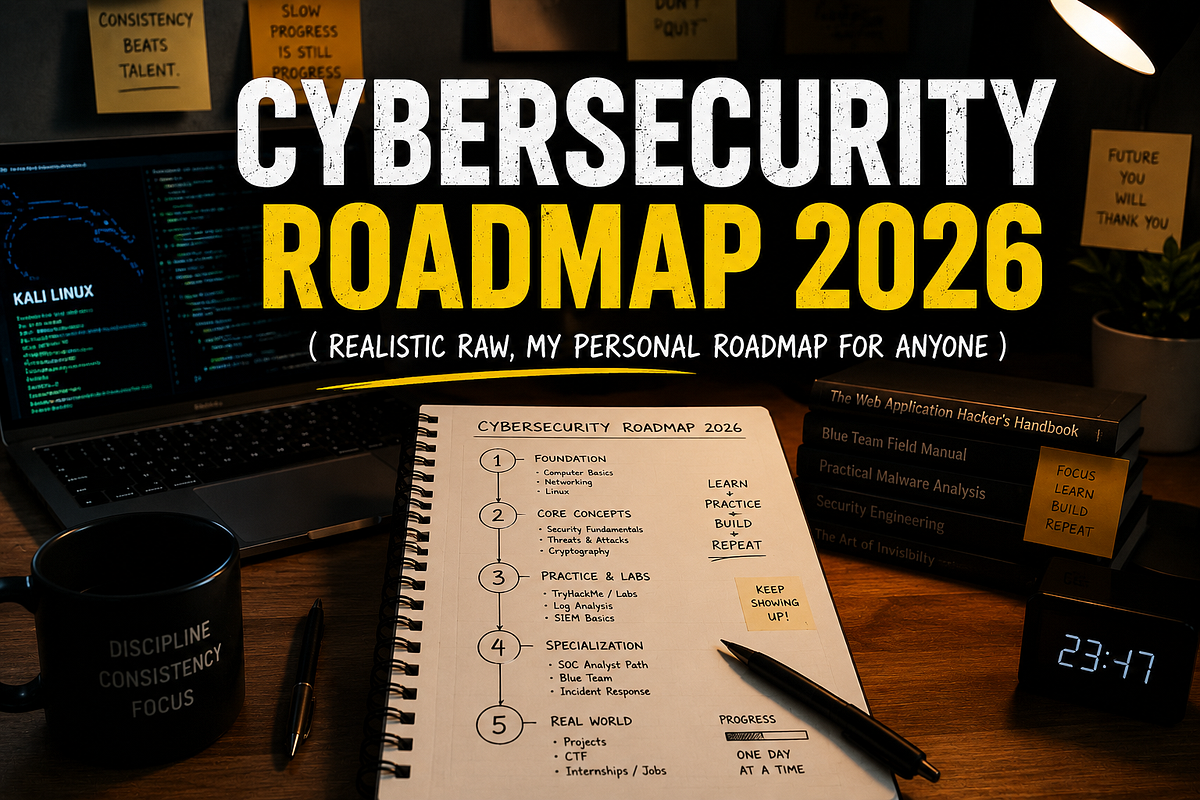 security What is Cybersecurity? A Complete Guide for Beginners
 security . Ethical Hacking vs Cybersecurity: Which Career Should You Choose in Kenya?
 security How to Start a Career in Cybersecurity in Kenya: A Beginner's Guide
 security Why Learn Cyber Security in 2027: A Complete Guide
 security Python Programming and Automation in Nairobi: Learn Coding for Cybersecurity and Technology
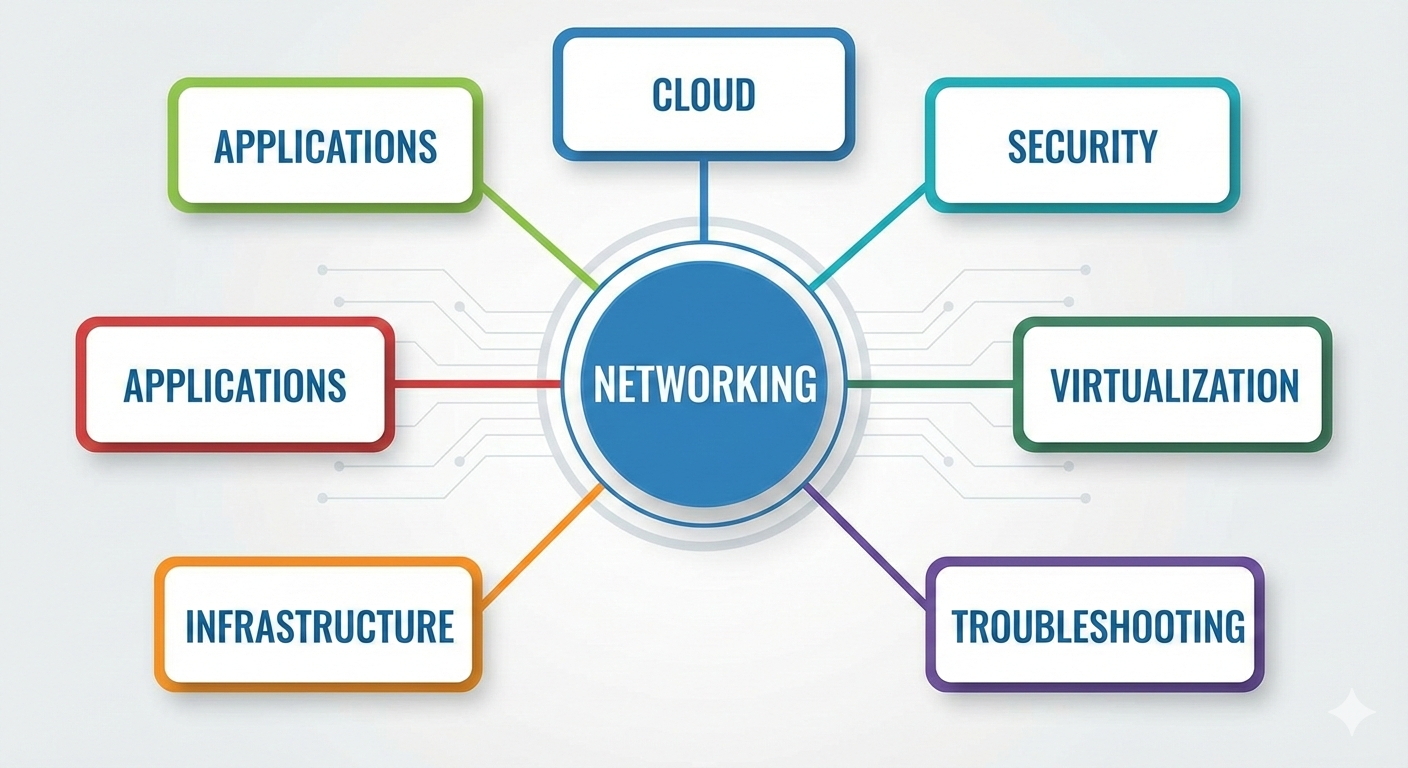 security Computer Systems and Networking Course in Nairobi: Learn the Technology Behind the Internet
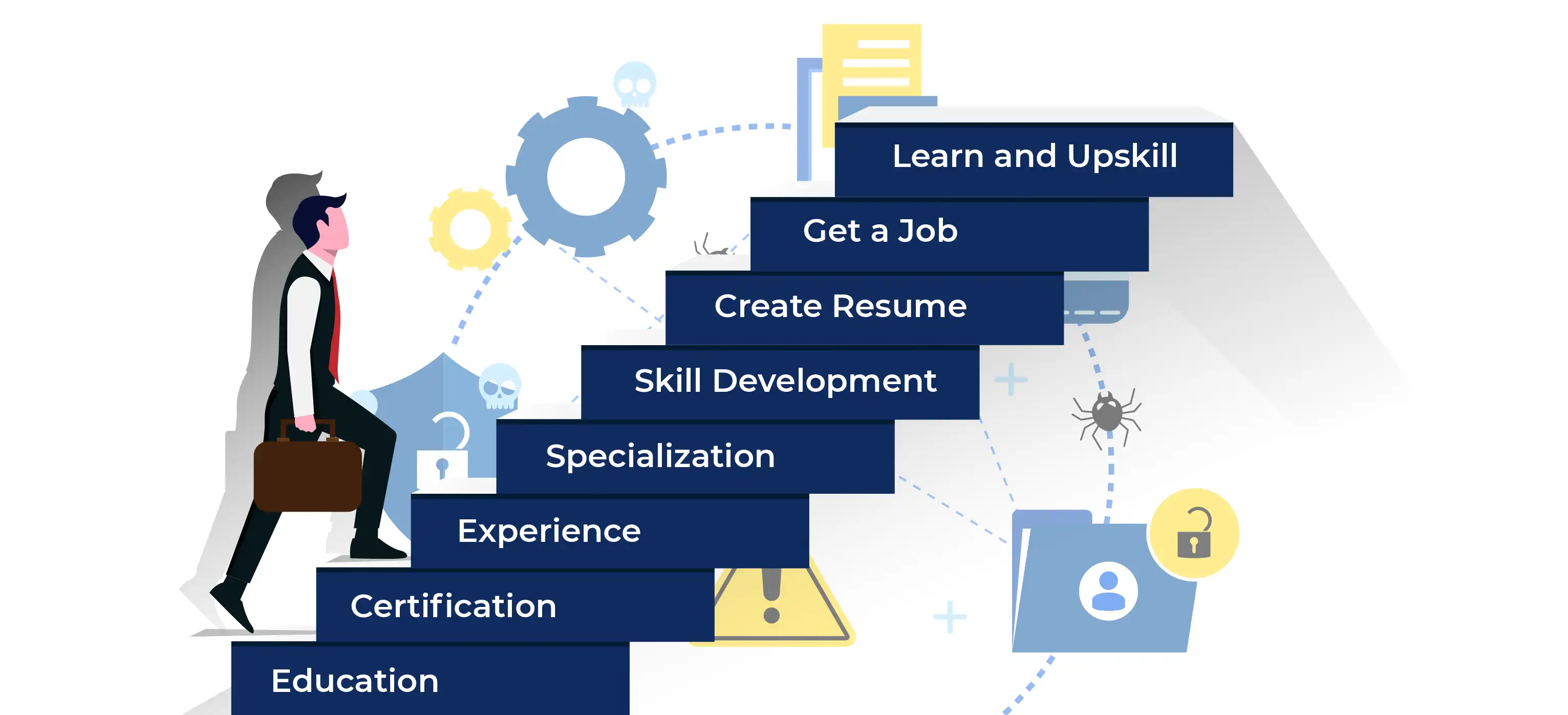 security Cybersecurity Training in Nairobi: Start Your Journey Towards a Career in Cybersecurity
 security The Future of Cybersecurity in Kenya: AI, Cloud Security and Threat Detection
You might also like
 software development Software Engineering Course in Thika: Build Real Skills, Real Projects, Real Career Opportunities
Nov 13, 2026
 beauty el Nails, Acrylic Nails and Nail Art: Which Skills Should You Learn?
Nov 13, 2026
 beauty Beauty Skills You Can Learn and Turn Into a Profitable Business in Kenya
Nov 13, 2026
 beauty Manicure and Pedicure Course in Kenya: Everything You Need to Know
Nov 13, 2026
 beauty : How to Become a Professional Nail Technician in Kenya
Nov 13, 2026
 caregiver How Caregiving Can Open Doors to International Employment Opportunitie
Nov 12, 2026